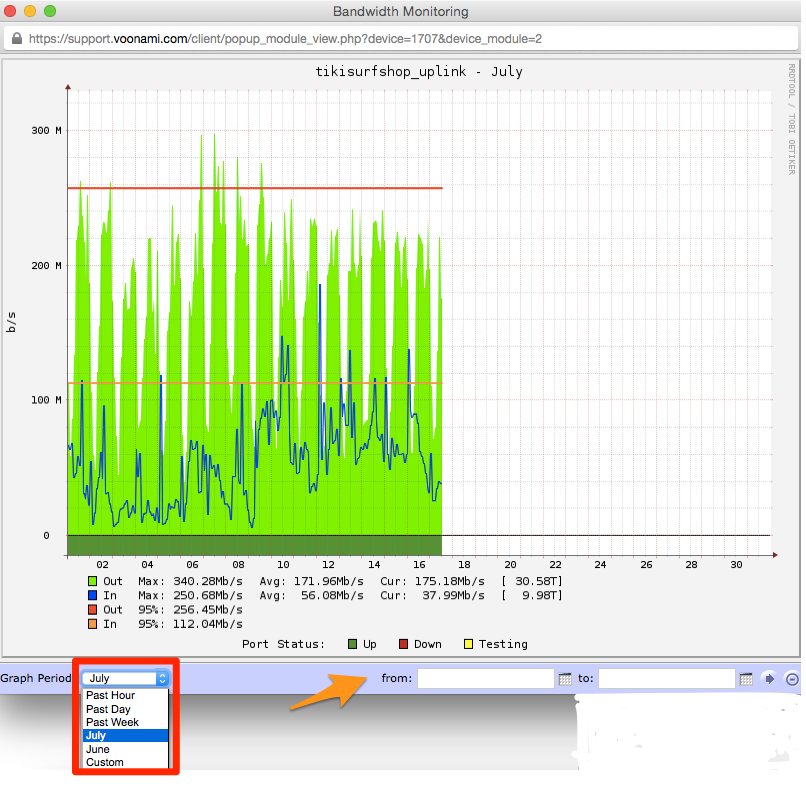
Bandwidth Usage
View bandwidth usage for your devices in the Support Portal.
Check how much bandwidth your devices are using in the Support Portal.
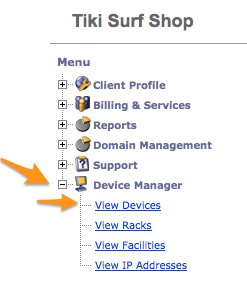
- Once you have logged into your Support Portal, locate the Menu on the left hand side of the screen. From there, select the '+' sign to the left of the 'Device Manager' option to pull down a sub-menu. The first option of that sub-menu reads 'View Devices.'
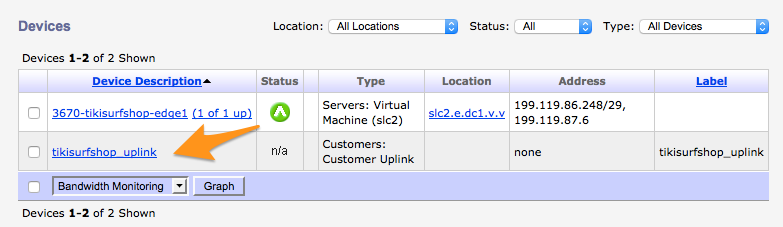
- Your Devices that you have will be listed on the main portion of your screen. Simply locate the device you need to get the bandwidth data for, and select the hyperlink under the 'Device Description' column.
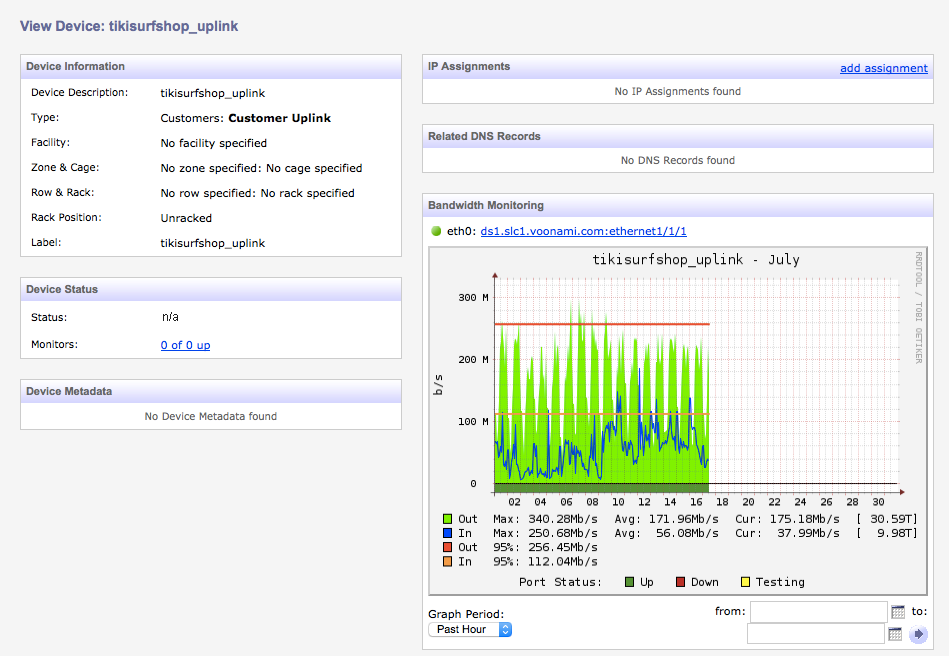
- From there you can see information about the device, along with a 'Bandwidth Monitoring' graph providing you with a visual of what your usage is over the past month.
- If you need to look further back into your usage history, selecting the graph will create a popup window that will give you the options to view your Data from a custom time period to better see the trends that you have had.