

How to Log In to cPanel
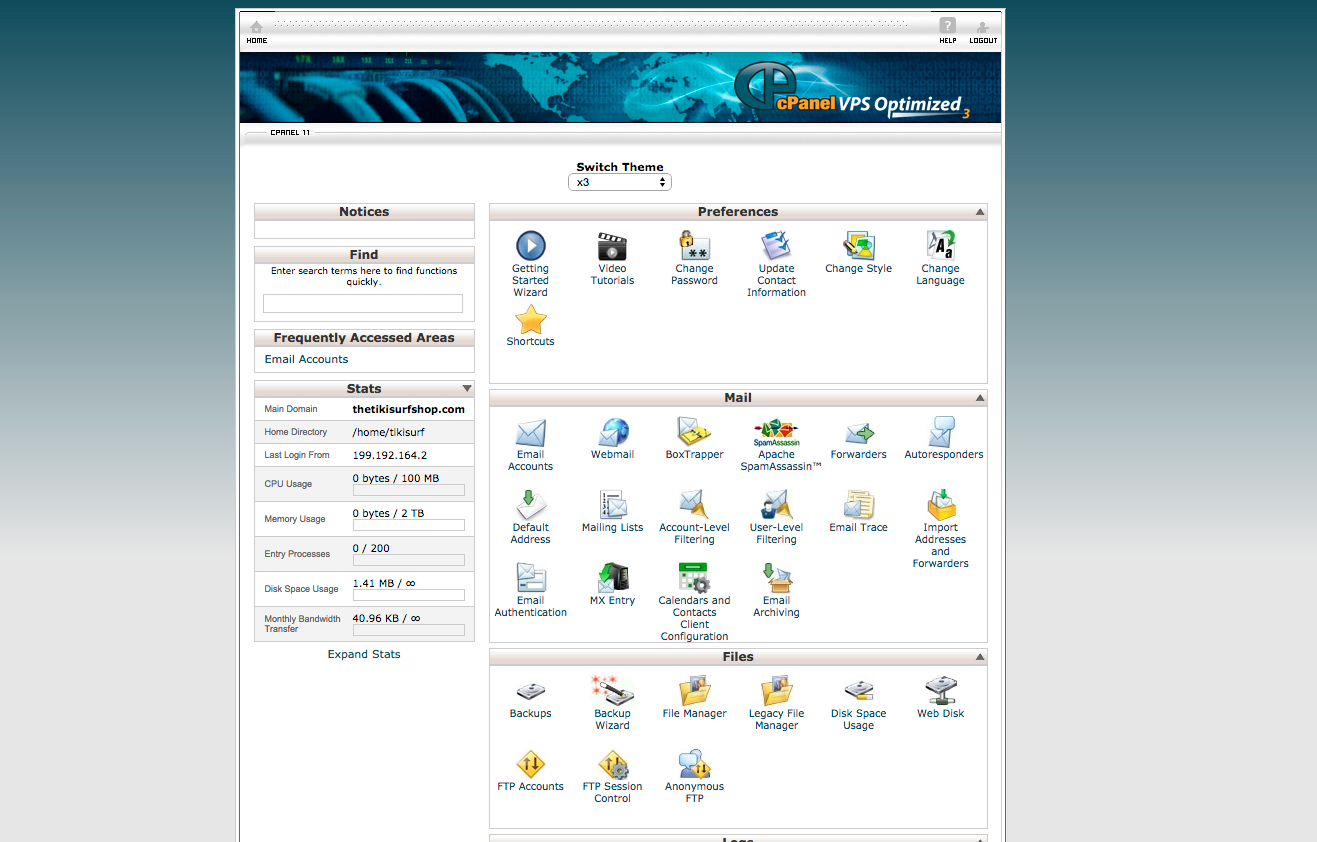
Log in to cPanel to manage your hosting account. This example uses thetikisurfshop.com.
- To login to cPanel, select the following url or open a new browser tab to https://thetikisurfshop.com:2083.
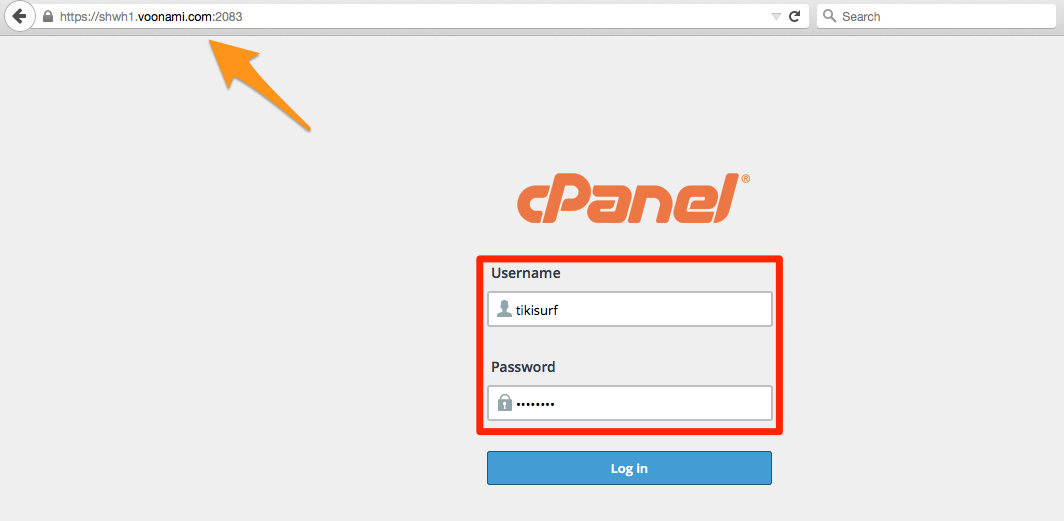
- Proceed to enter the correct username and password for your account and select the blue 'Log In' button to access cPanel.
Note
If you are logging into your account for the first time, you will receive an email containing your username and a temporary password. Once logged in, you will be instructed to create a new password, which will be your permanent login password. If you don't have that email, be sure to contact support@voonami.com for assistance.